
 Engine-host API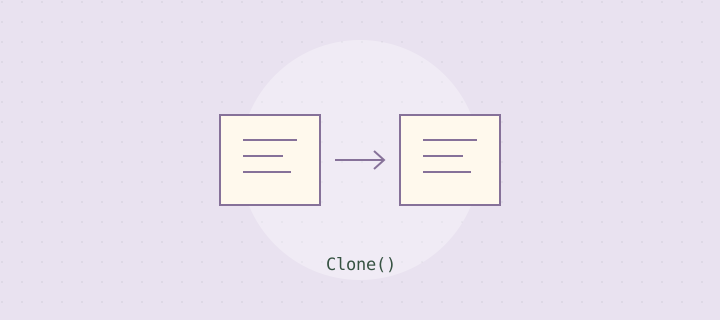
Function syntax
object:Clone()Short summary
Creates an engine-defined copy of an existing object. Copying may depend on object settings and supported types.
Safe code example
local function duplicate(template, destination)
    if not template or not destination then return nil end
    local copy = template:Clone()
    if not copy then return nil end
    copy.Name = "SpawnedDecoration"
    copy.Parent = destination
    return copy
end
Practical game development scenario
Prepare a trusted decorative template once, then duplicate it when a level loads. Track the returned object so you can remove it during cleanup. Avoid cloning an unrestricted number of objects in response to player requests.
Compatibility and safety notes
Clone behavior for descendants, references, scripts, and non-copyable objects varies by engine. This is not a general-purpose deep-copy operation for Lua tables.
These examples demonstrate defensive patterns. They are not sandboxing mechanisms or substitutes for permission checks, server-side validation, and resource limits.
Read the official Lua 5.4 reference manual for language semantics. Engine methods require separate host documentation.
← Back to the dictionaryInspect the template before reusing it
A clone inherits whatever the host defines as copyable state, which can include more than the visual properties you intended to reuse. Review the template's descendants, attached scripts, configuration, and references before placing it in a shared asset library. Keep templates versioned so a seemingly harmless edit does not silently change every future spawn. If the copied object should start inactive, establish that state before exposing it to the active scene. This page does not define the cloning rules of every engine. The practical lesson is to verify the actual template and host behavior instead of treating duplication as a guarantee that a new object has exactly the independent state your feature needs.
Keep a clear owner for every copy
The system that creates a copy should either retain ownership or explicitly transfer it to another component. Record the returned reference so cleanup can find the object without searching the entire scene. If several systems can remove it, define how they coordinate and how repeated cleanup is handled. A copied visual effect that lasts a few seconds still needs a lifecycle when its scene closes early. Avoid relying on a scheduled callback alone if the callback can be cancelled or lose its owner. A small collection of active copies, maintained by the component responsible for them, often makes the cleanup path much simpler to review.
Distinguish cloning from resetting
Reusing an existing object can reduce repeated construction in some designs, but it introduces a different responsibility: every relevant piece of mutable state must be reset. Do not switch from cloning to reuse merely because a performance guess suggests it will be faster. Measure the workload and identify which state belongs to each activation. If the reset contract becomes difficult to describe, fresh construction may remain the safer design for the current scale. Test two copies simultaneously and modify one to check whether references or shared resources behave as expected. Keep the experiment focused on your actual host, because table copying, scene duplication, and resource sharing are separate operations with different contracts.