
 Production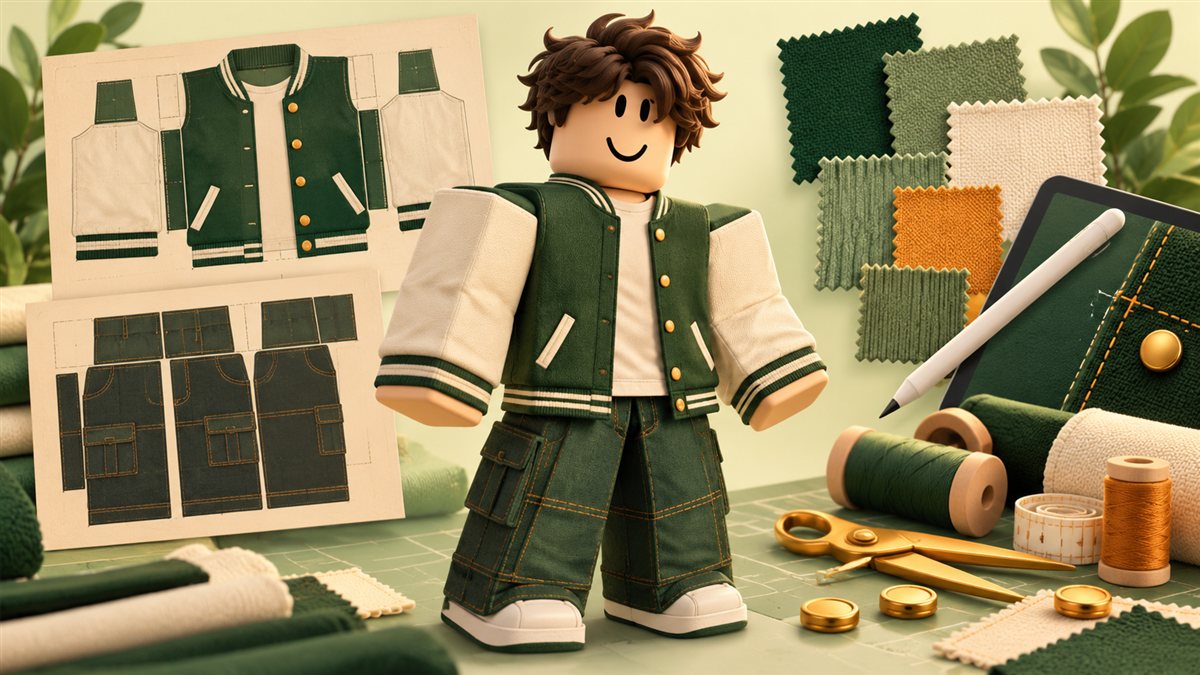
Choose the clothing format and a modest first design
Classic shirts and pants use a wrapped image template, while a classic T-shirt is a different front-image format. Begin with one shirt or one pair of pants so you can learn the seam layout without managing a whole collection. Sketch the intended front, back, and side details before opening an editor. Select a limited palette and make sure the design is recognizable at the small size people see in a catalog. Avoid logos or artwork you do not have permission to use. Save a short design note describing the intended avatar appearance, because that gives you a consistent target when deciding whether the final preview is accurate.
Set up the template in your image editor
Use the official template for the chosen clothing type and preserve its dimensions. GIMP, Paint.NET, and Photopea are examples of image editors you can consider; you do not need all three. Choose a tool you can use comfortably with layers, transparency, and PNG export. Put the template guides on a separate layer and paint your design underneath or in a clearly separated artwork group. Label the layers for sleeves, torso, waist, and details. Keep an editable working file as well as the exported image. Before exporting, hide guide labels that should not appear on the garment and inspect the canvas edges for stray pixels or unintended transparency.
Test fit and seams before paying to publish
Preview the garment in Studio and examine it from the front, back, and sides. Move the avatar or change poses to inspect sleeve joins and the boundary between torso and legs. A stripe that looks aligned on a flat image can break when it wraps around the body. Test only the body types that actually support the format and avoid implying universal compatibility. Export a numbered revision after each meaningful change so you can compare the result with the previous version. Ask another person to describe the garment from its preview. If the thumbnail suggests detail the actual item does not deliver, revise the presentation before treating the design as ready for sale.
Budget upload costs separately from the publishing advance
A ten-token total upload budget is outdated for the current workflow. The reviewed fee table lists an 80 Robux upload fee and a separate 10 Robux publishing advance for classic clothing, before any relevant membership cost or special-case charge. Read the amount shown in your own account before confirming. Record these as separate lines in a small launch budget, and do not assume rejection refunds the upload cost. A publishing advance is also different from ordinary profit already in your pocket. For a first release, price the risk of one tested submission rather than spending your entire balance on untested color variations. Confirm current account eligibility before paying for any required access.
Treat five to ten Robux as a price experiment
Five to ten Robux can be a starting range to evaluate only when the live price floor and category settings permit it; it is not a universal required or optimal price. Compare the garment with similar quality offerings and calculate the expected credited amount using the applicable sale channel. Clothing commissions are not automatically identical to the gamepass calculator's seventy-percent model. Write down how many completed sales would recover the upfront spending under your actual share. A lower price is not automatically better if it leaves no room to fund another design. Keep the initial price understandable, use accurate previews, and change one major variable at a time when reviewing demand.
Choose individual or group ownership deliberately
Decide which creator account or community should own the item before publishing it. A group-owned collection needs a clear agreement about artwork ownership, account access, expenses, and contributor compensation. Use supported group payout settings when eligible rather than handing out login credentials. Distinguish a one-time payment for a finished design from a continuing revenue share. A split should identify whether it applies to one item, the clothing collection, or all community revenue. Preserve the agreed percentages and their effective dates. Reconcile actual credited funds before distributing them, and leave any agreed production reserve visible. Do not assume that changing a display name changes the underlying ownership or payment arrangement.
Release a small collection and learn from its sales
Publish an accurate title and description, verify the listing belongs to the intended creator, and confirm that the item can be previewed correctly. Keep a record of the upload, publishing advance, price, and final moderation outcome. After launch, track completed sales and support questions instead of relying only on favorite counts or compliments. If buyers repeatedly misunderstand what is included, improve the preview and description before producing more versions. Keep the source artwork organized so legitimate fixes do not require starting again. Review your first release as a complete production exercise: design quality, testing, cost control, ownership, and customer expectations all matter. Expand the catalog when that process is reliable enough to repeat.
Official references and current requirements
Policy details were checked on October 31, 2026. Fees, eligibility, and program rules can change; check the official requirements before publishing or requesting a payout.